MagniClear
Per-App Magnification.

An Android accessibility tool for Low Vision, Age-Related Macular Degeneration, Presbyopia and Post-Stroke Visual Impairment — set the zoom once for each app, and a movable loupe appears whenever you open it.

Get it on Google Play Download on the App Store

Built for Low Vision, Age-Related Macular Degeneration (AMD), Presbyopia and Post-Stroke Visual Impairment users.

Low Vision

Most app text is borderline-illegible at native size. MagniClear sets a comfortable zoom for each app you rely on, instead of forcing one global font scale that breaks half of them.

Age-Related Macular Degeneration

Central vision loss affects ~200M people globally. MagniClear keeps the apps you use most often at a level you can read without strain — app by app, not one global setting.

Presbyopia

The universal “I need reading glasses for my phone” condition affects ~80% of adults over 45. MagniClear means you can use specific apps without reaching for your readers.

Post-Stroke Visual Impairment

For users with hemianopia or other visual-field loss after stroke, a higher zoom in specific apps compensates for the part of the screen you can’t easily scan.

How it works.

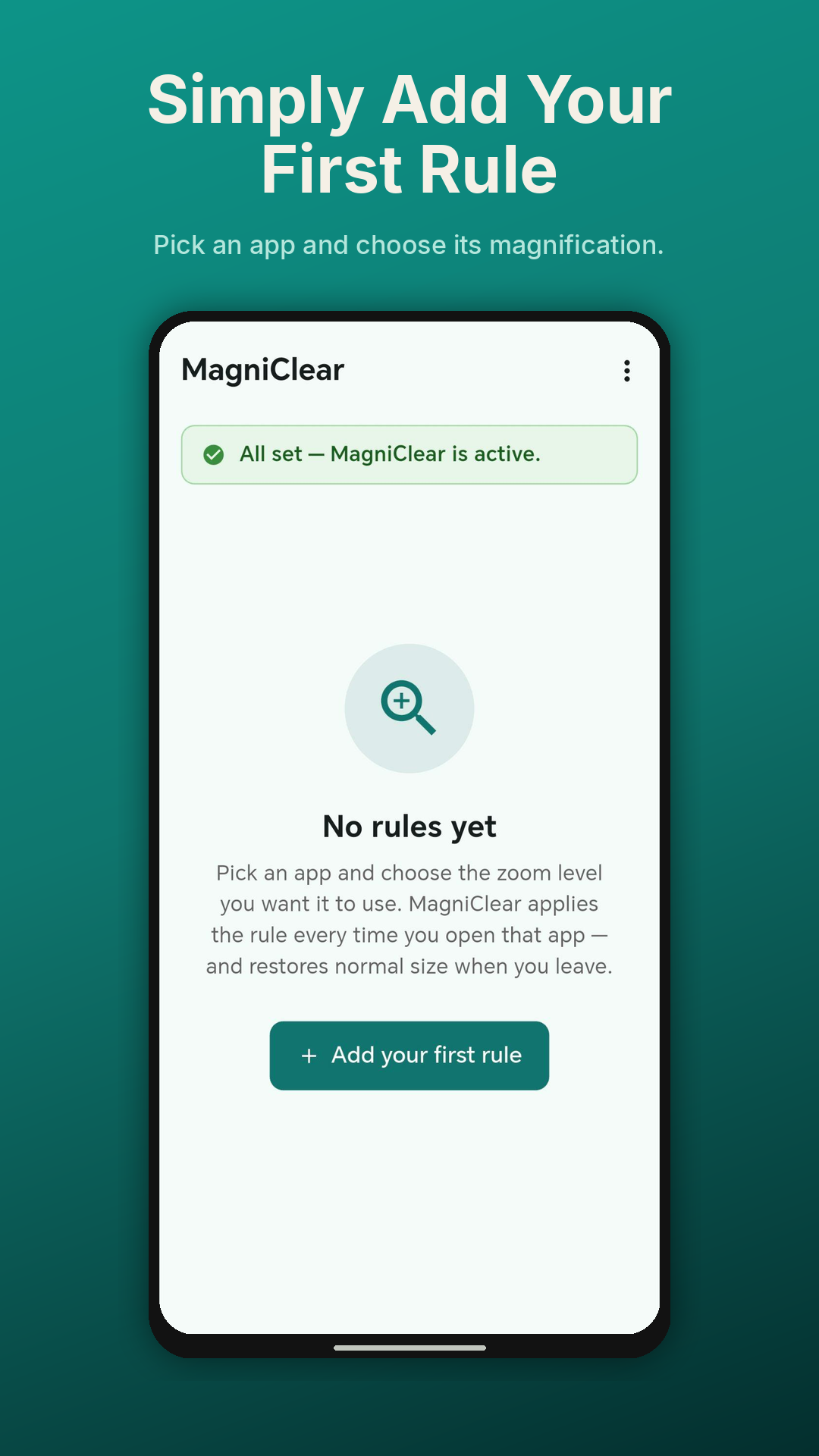
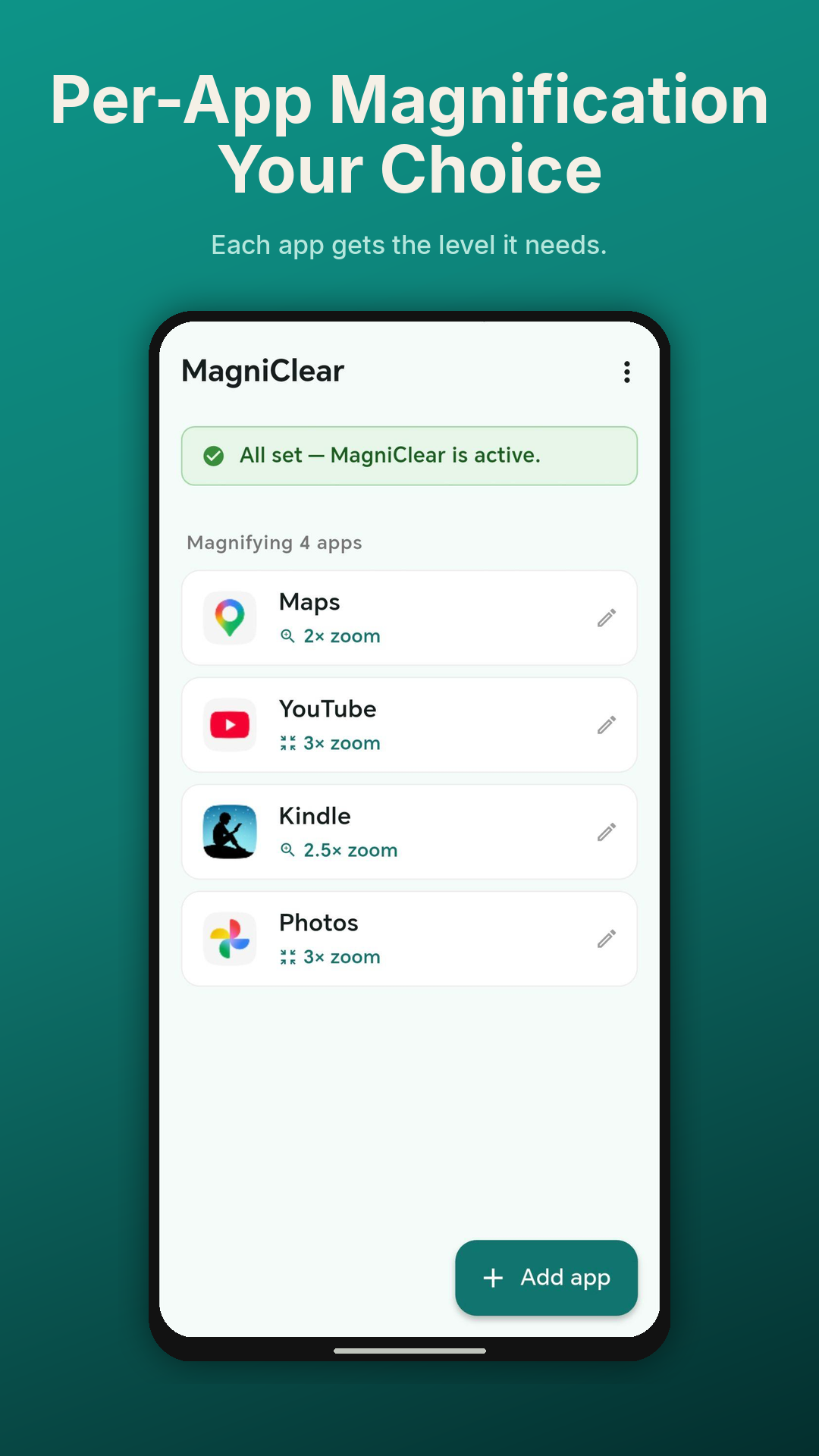
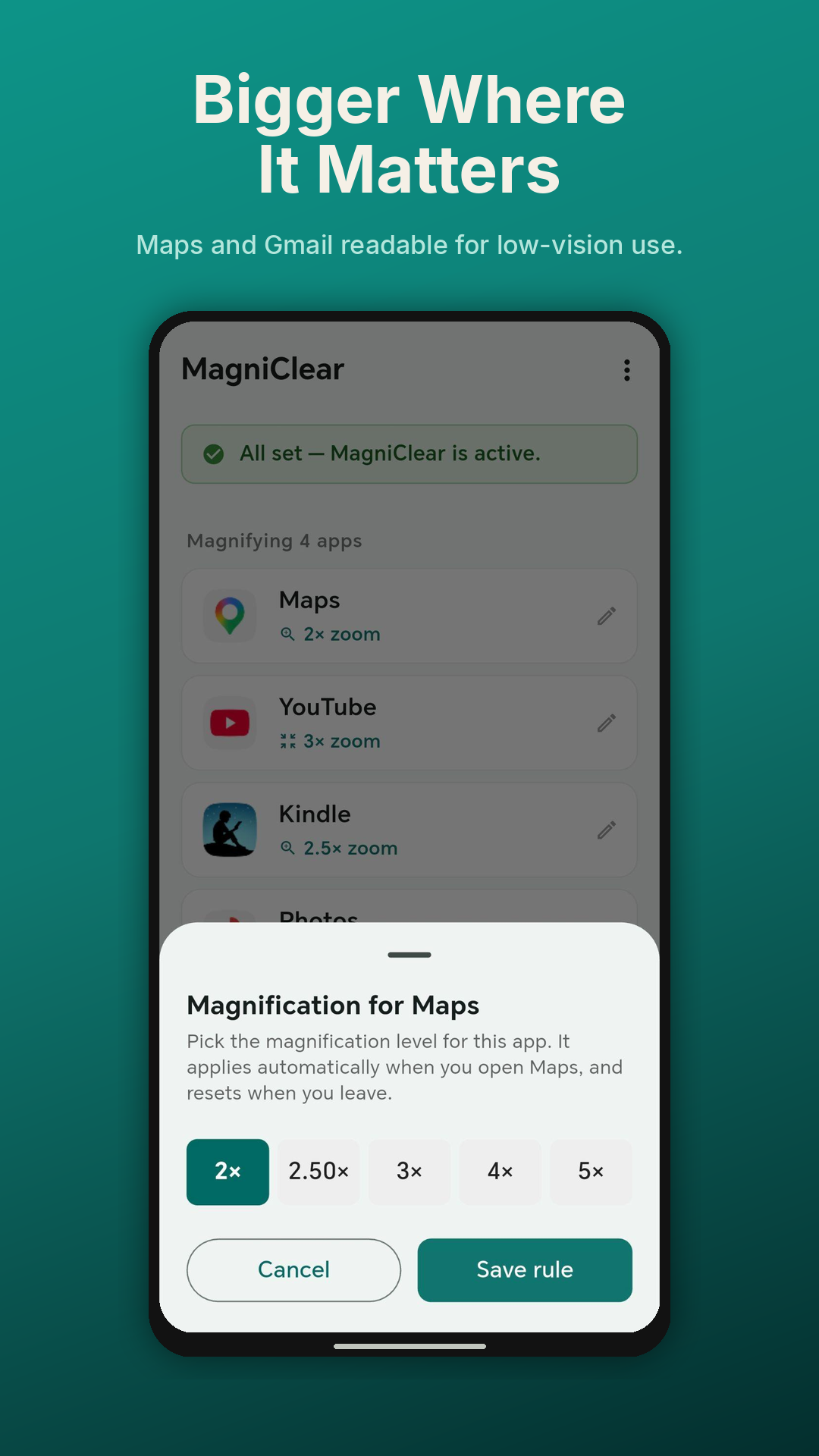
Set once per app

Maps at 2×, Gmail at 2.5×, the rest of your phone unchanged. MagniClear shows a movable zoom loupe the moment that app opens — drag it over whatever you want to read. The loupe disappears when you leave.

Smooth transitions

Magnification animates in and out so you’re never disoriented by a sudden jump. Built directly on Android’s MagnificationController API — no overlay tricks, no gestures.

Reliability first

A foreground service keeps the rule engine alive across hours and days, surviving aggressive battery optimisers (MagicOS, MIUI, OxygenOS). Boot-restart support means you never have to re-open the app.

Local — always

No analytics, no telemetry, no ads, no account. Your rules stay on your device. We don’t see what apps you’ve added, what zoom you’ve chosen, or how often you use them.


How MagniClear uses Android’s AccessibilityService.

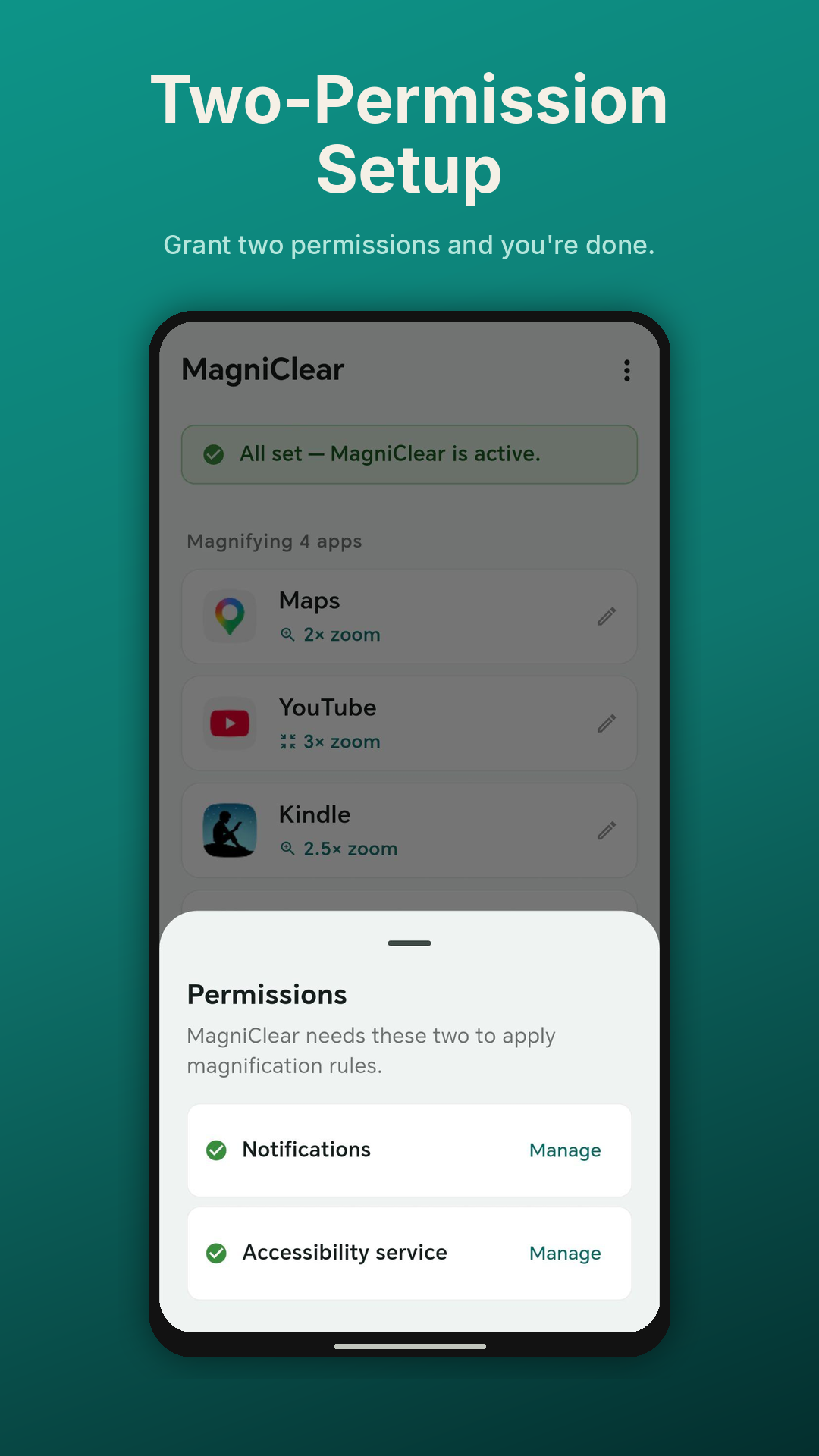
MagniClear is declared as an accessibility tool. It uses Android’s AccessibilityService API for one purpose only: to detect when you switch between apps, so it can apply the correct magnification for that app. The service is configured with canRetrieveWindowContent="false" — it cannot read your screen content, intercept your input, or automate any UI action. Your data never leaves your device.

Built for privacy.

MagniClear was designed from the ground up to ensure your data never leaves your device. No sign-ups, no adverts, no analytics — just an accessibility tool that respects you and your phone.

No accounts No cloud storage No analytics No ads Local-only data No screen reading