
LuxKeeper
Per-App Brightness.
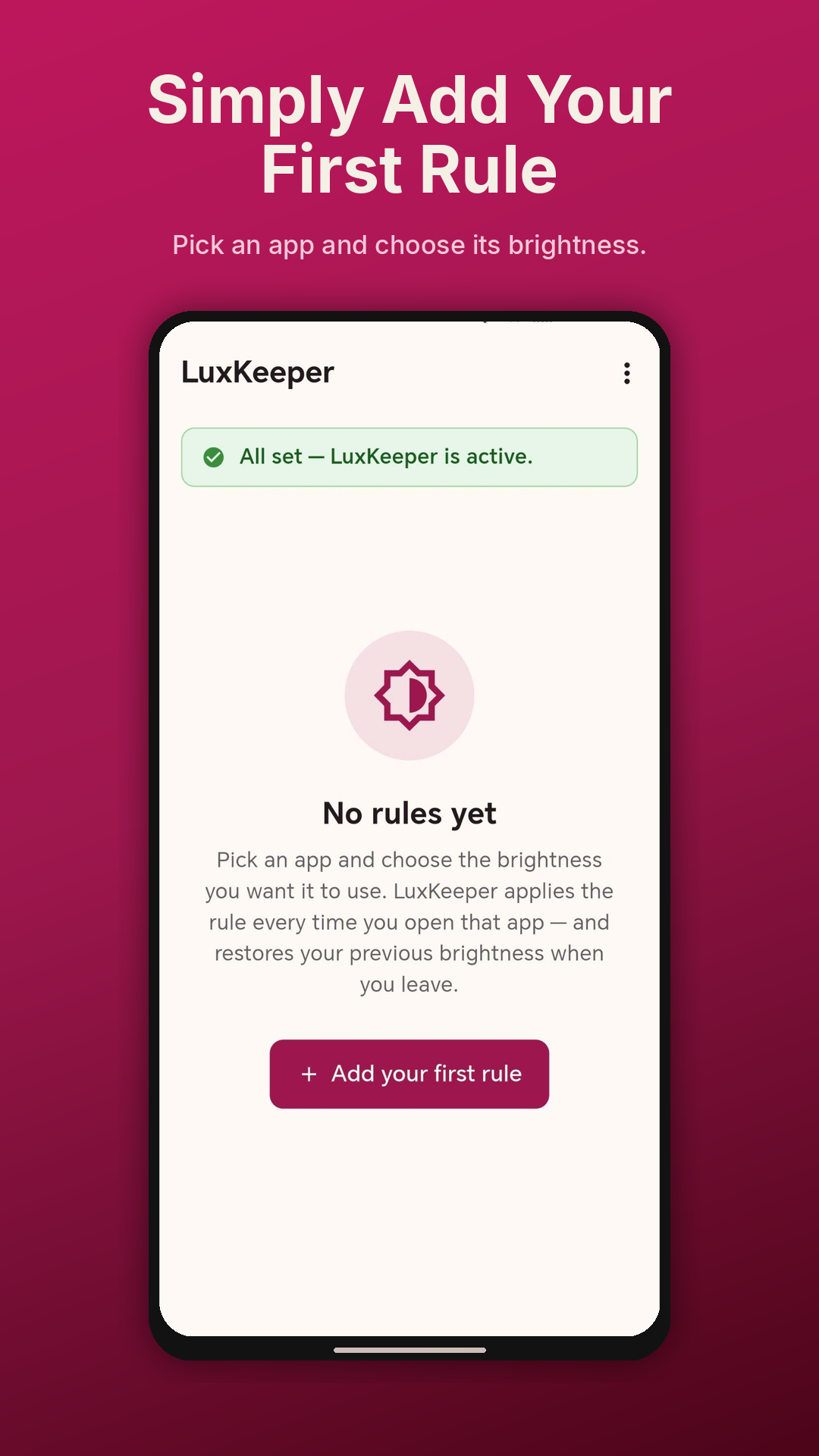
An Android screen tool for people whose eyes want different things from different apps — set the brightness once for each app, applied automatically every time it opens.


An Android screen tool for people whose eyes want different things from different apps — set the brightness once for each app, applied automatically every time it opens.
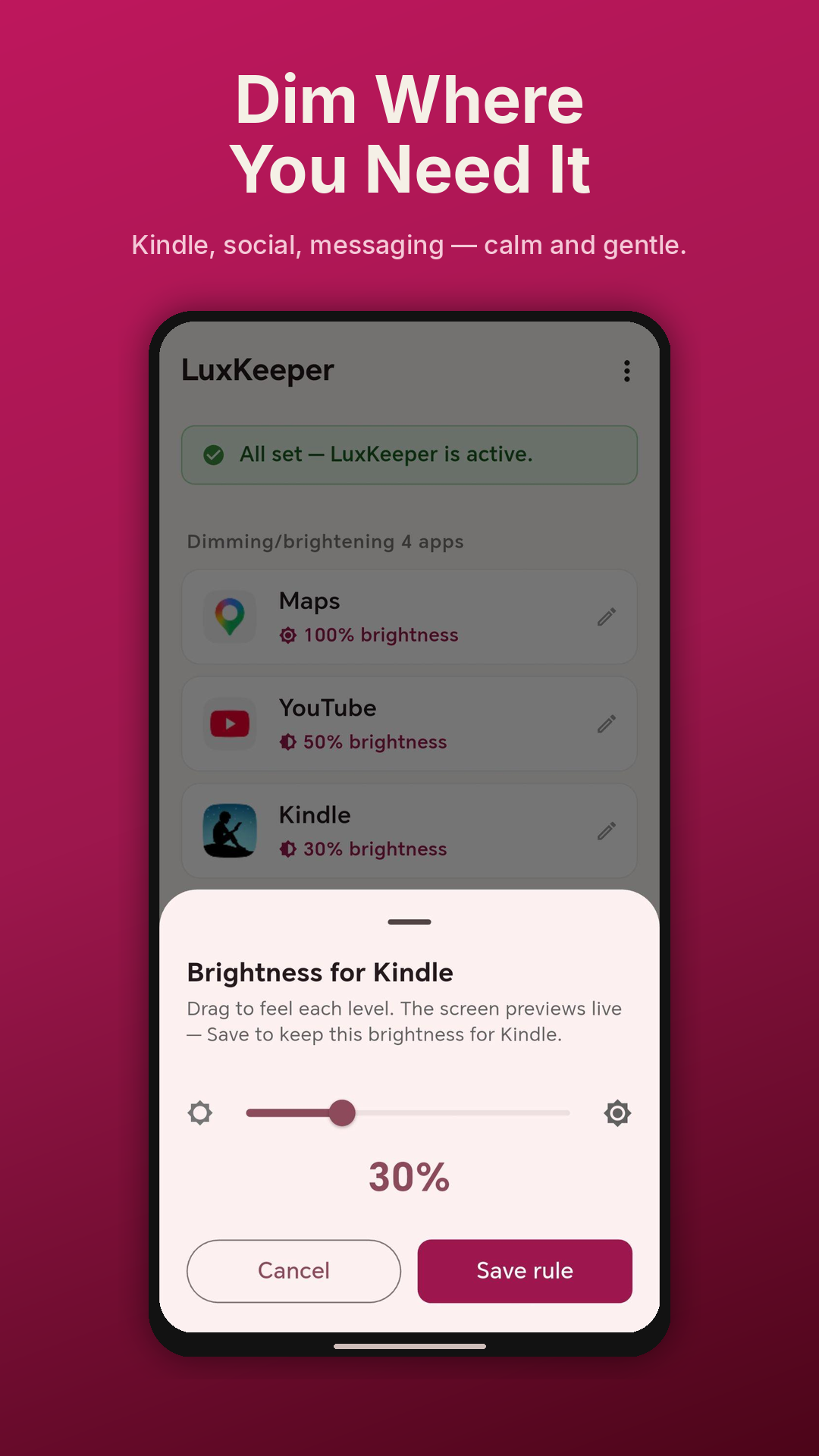
Bright social-media feeds and messaging apps can trigger pain, nausea, or visual distress. LuxKeeper dims the apps that hurt while leaving the rest at your normal brightness.
Light sensitivity after concussion or traumatic brain injury means specific apps need to be permanently dimmer. LuxKeeper applies the level you set, automatically, every time.
The brightness that makes a photo app legible is too dim for reading text-heavy apps. LuxKeeper keeps the right brightness for each app’s content rather than forcing a one-size-fits-all setting.
For users with autism, ADHD, or other sensory-processing differences whose tolerance for screen brightness varies sharply between apps, LuxKeeper removes the constant manual adjustment.
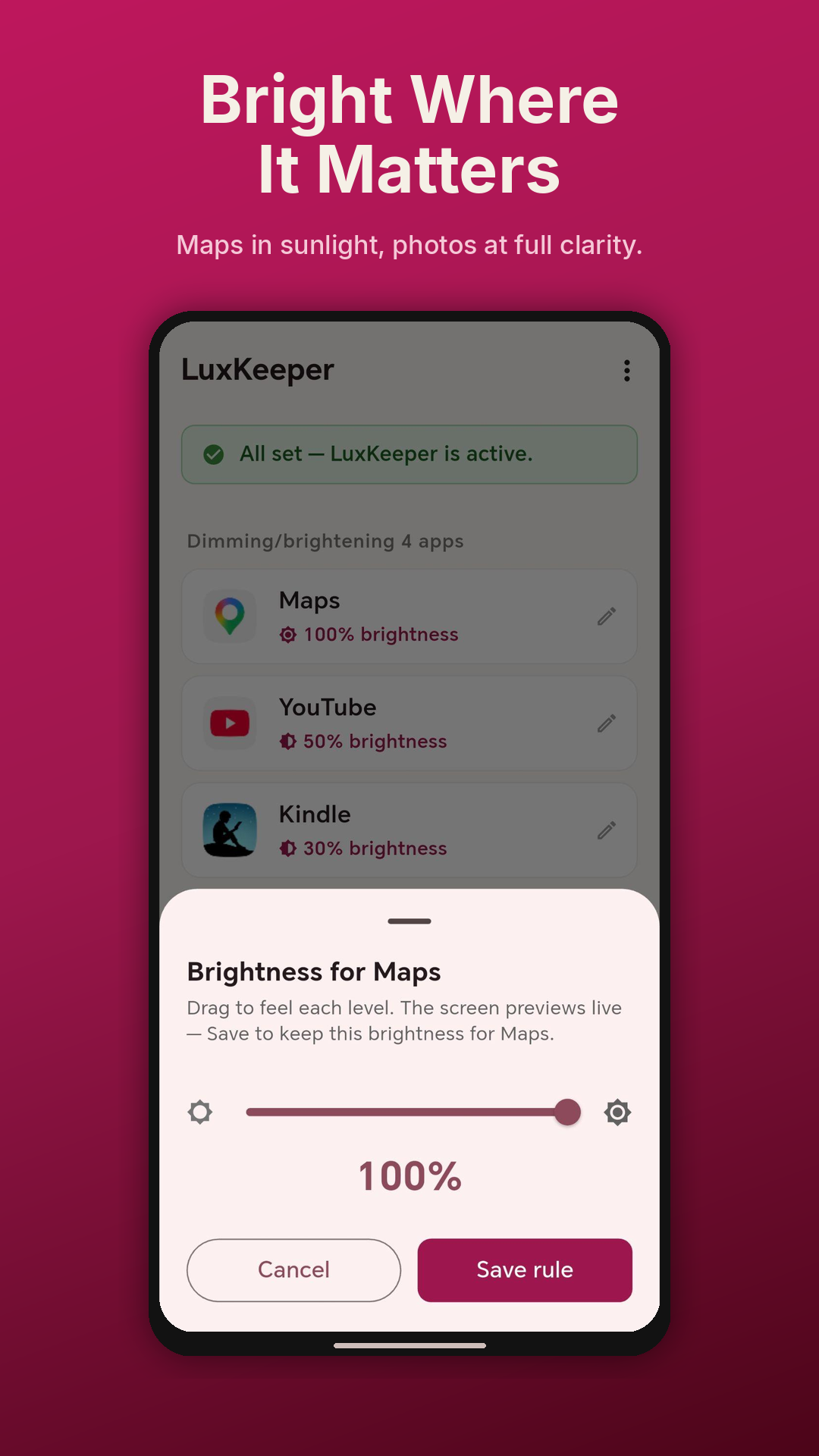
Drop Chrome to 12% — a calm dim for migraine sensitivity. Lift Photos to 90% — readable for low-vision use. LuxKeeper applies your level the moment that app opens, and restores your previous brightness when you leave.
Drag the slider and feel each level in your current room before you commit. Critical for the photophobia audience — you tune by sensation, not by guessing a number.
A foreground service keeps the rule engine alive across hours and days, surviving aggressive battery optimisers (MagicOS, MIUI, OxygenOS). Boot-restart support means you never have to re-open the app.
No analytics, no telemetry, no ads, no account. Your rules stay on your device. We don’t see what apps you’ve added, what brightness you’ve chosen, or how often you use them.
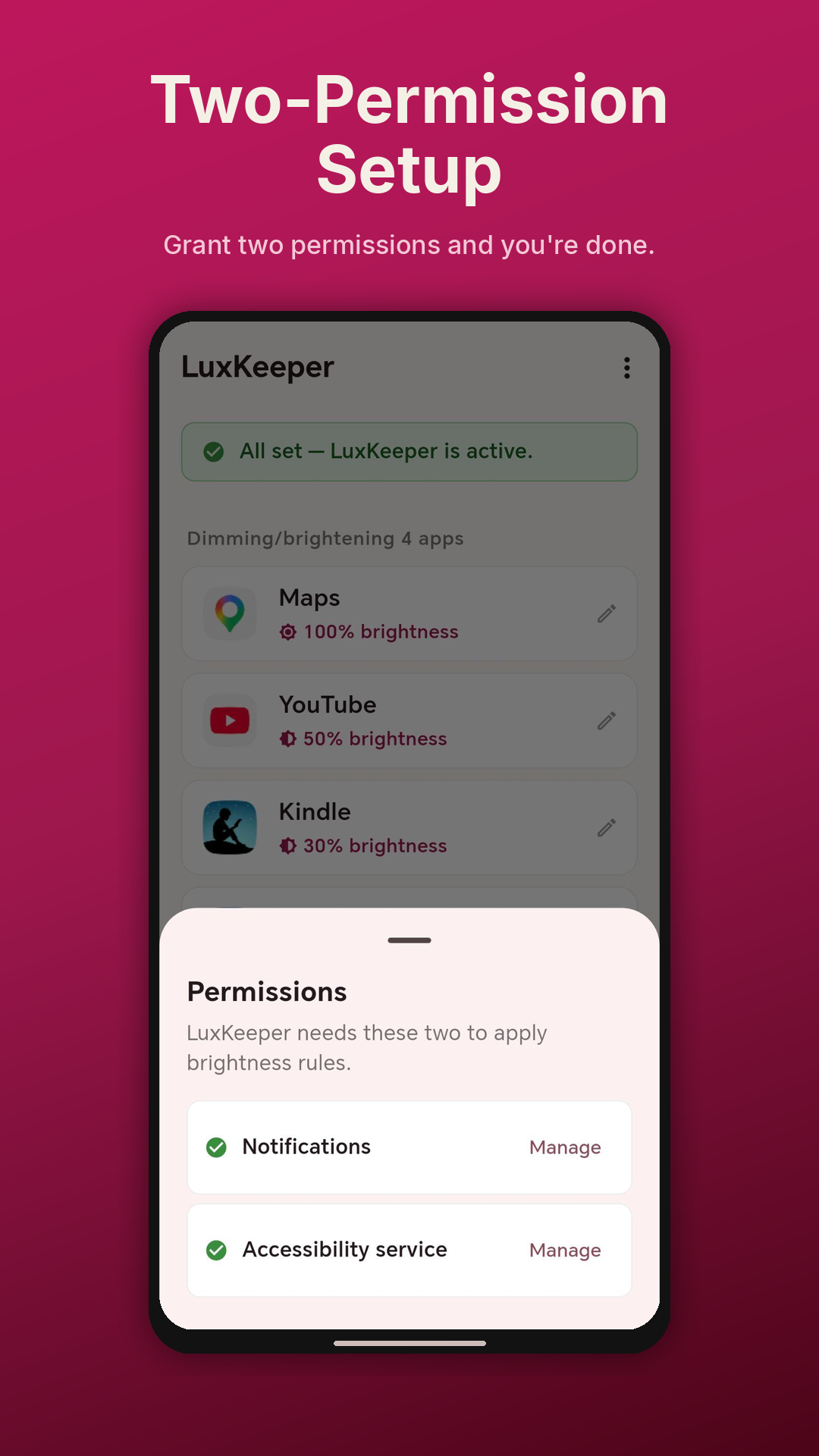
LuxKeeper uses Android’s Usage Access permission for one purpose only: to detect which app is currently in the foreground, so it can apply the brightness rule you set for that app. It applies that brightness through an invisible, zero-content “Display over other apps” overlay that carries a per-window brightness hint — your system brightness setting is never changed, so there is nothing to restore when you leave the app. LuxKeeper uses no accessibility service, cannot read your screen content, and cannot see your input. Your data never leaves your device.
LuxKeeper was designed from the ground up to ensure your data never leaves your device. No sign-ups, no adverts, no analytics — just a screen tool that respects you and your phone.