
AspectWise
Per-App Rotation.
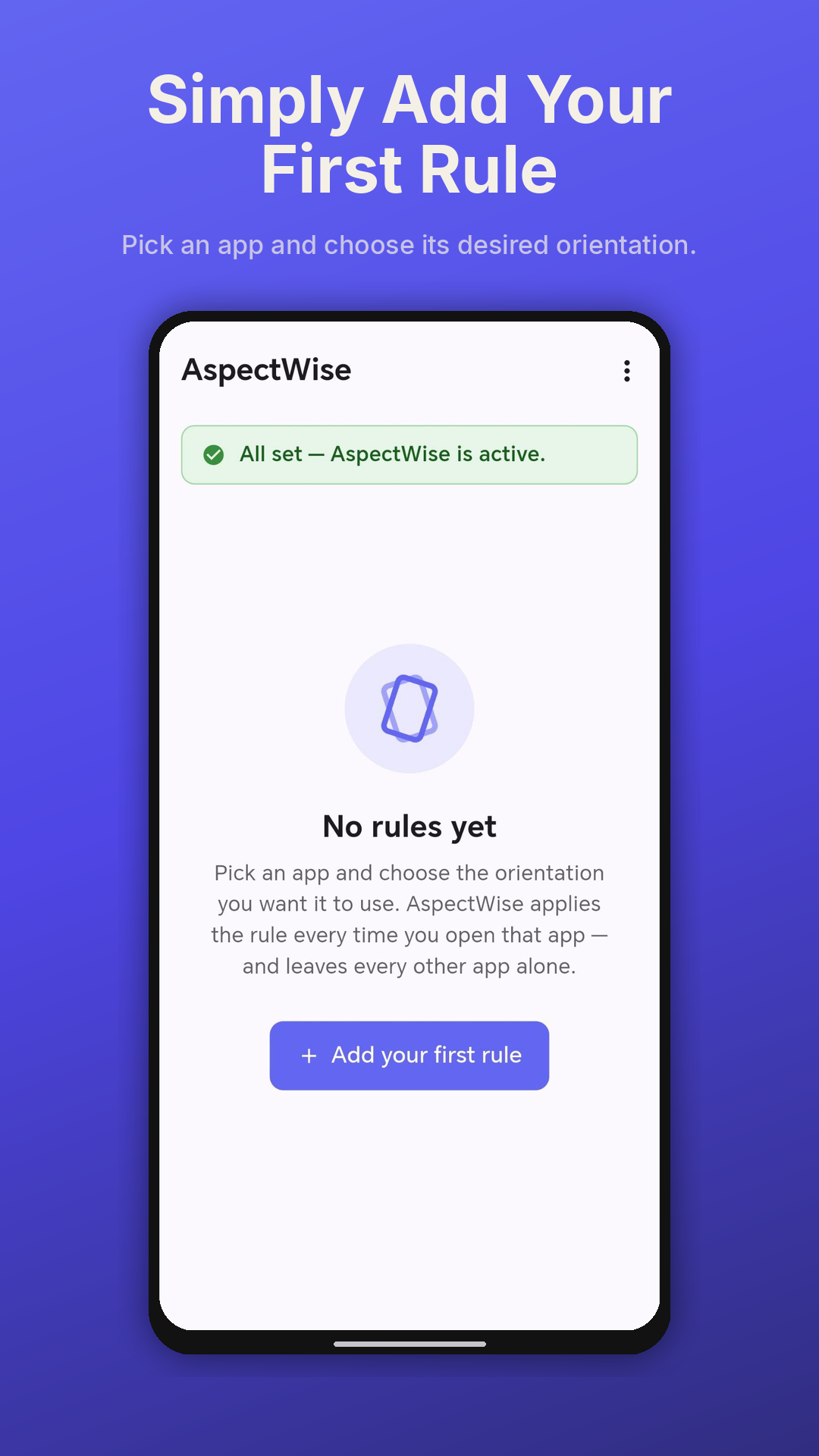
An Android screen tool for people who can’t rely on the system-wide auto-rotate toggle — set the orientation each app should use, and AspectWise keeps it that way, app by app.


An Android screen tool for people who can’t rely on the system-wide auto-rotate toggle — set the orientation each app should use, and AspectWise keeps it that way, app by app.
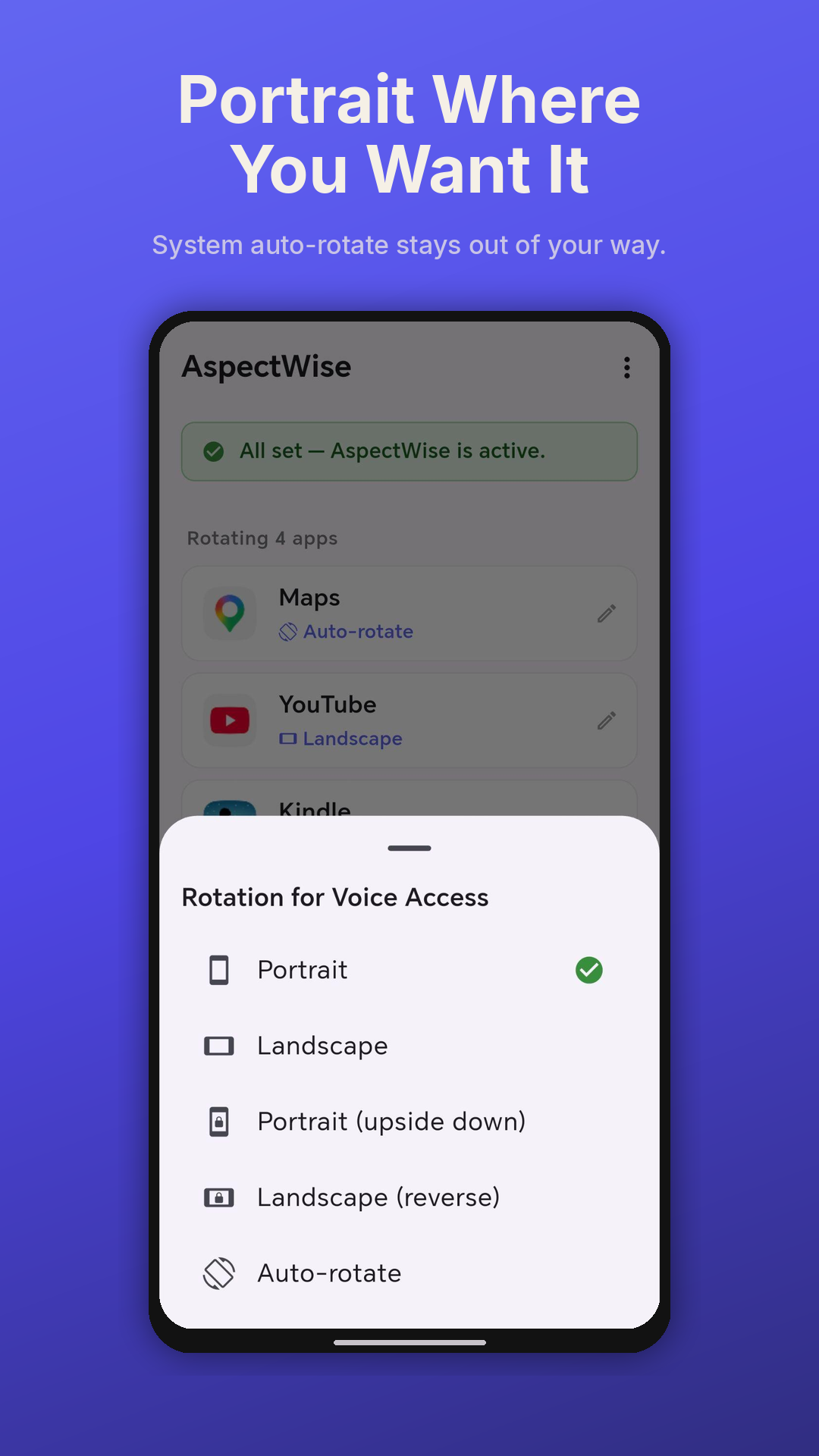
Unwanted rotation can trigger nausea or vertigo. AspectWise lets you keep your phone locked to portrait everywhere, while still allowing the few apps that need to rotate (maps, video) to do so.
For users for whom Android’s system auto-rotate toggle is too fiddly to operate every time they switch app, AspectWise removes the toggling entirely — the right orientation just happens.
Magnification and reading aids often need a specific orientation to be usable. AspectWise locks each app to the orientation your assistive setup expects, every time you open it.
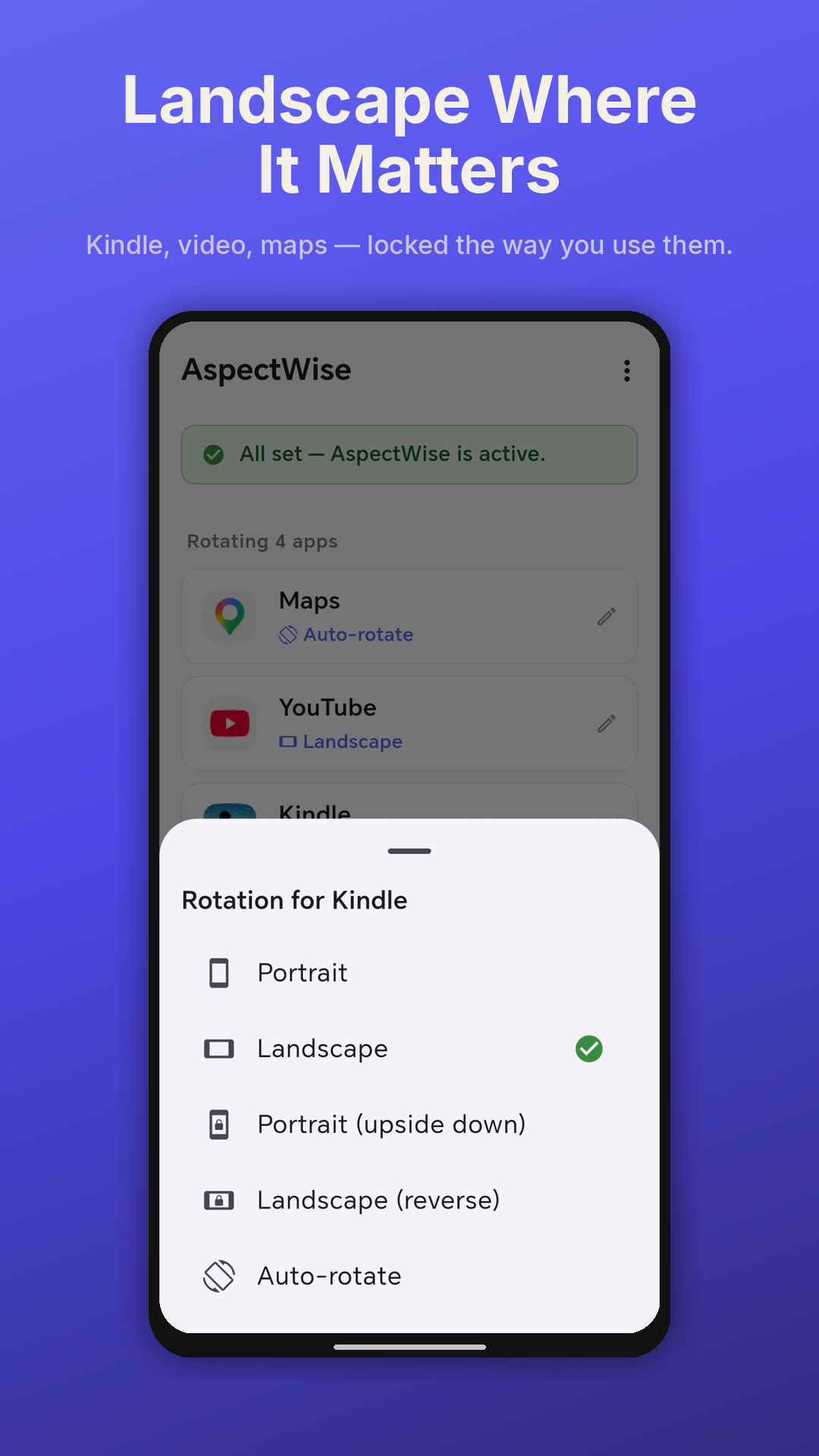
Lock Kindle to landscape. Keep Messages portrait. Let Maps auto-rotate when you tilt for sat-nav. AspectWise honours your choice the moment you open the app.
A foreground service keeps the rule engine alive across hours and days, surviving Android’s aggressive battery optimisers. Boot-restart support means you never have to re-open the app.
No analytics, no telemetry, no ads, no account. Your rules stay on your device. We don’t see what apps you’ve added, what rotation you’ve chosen, or how often you use them.
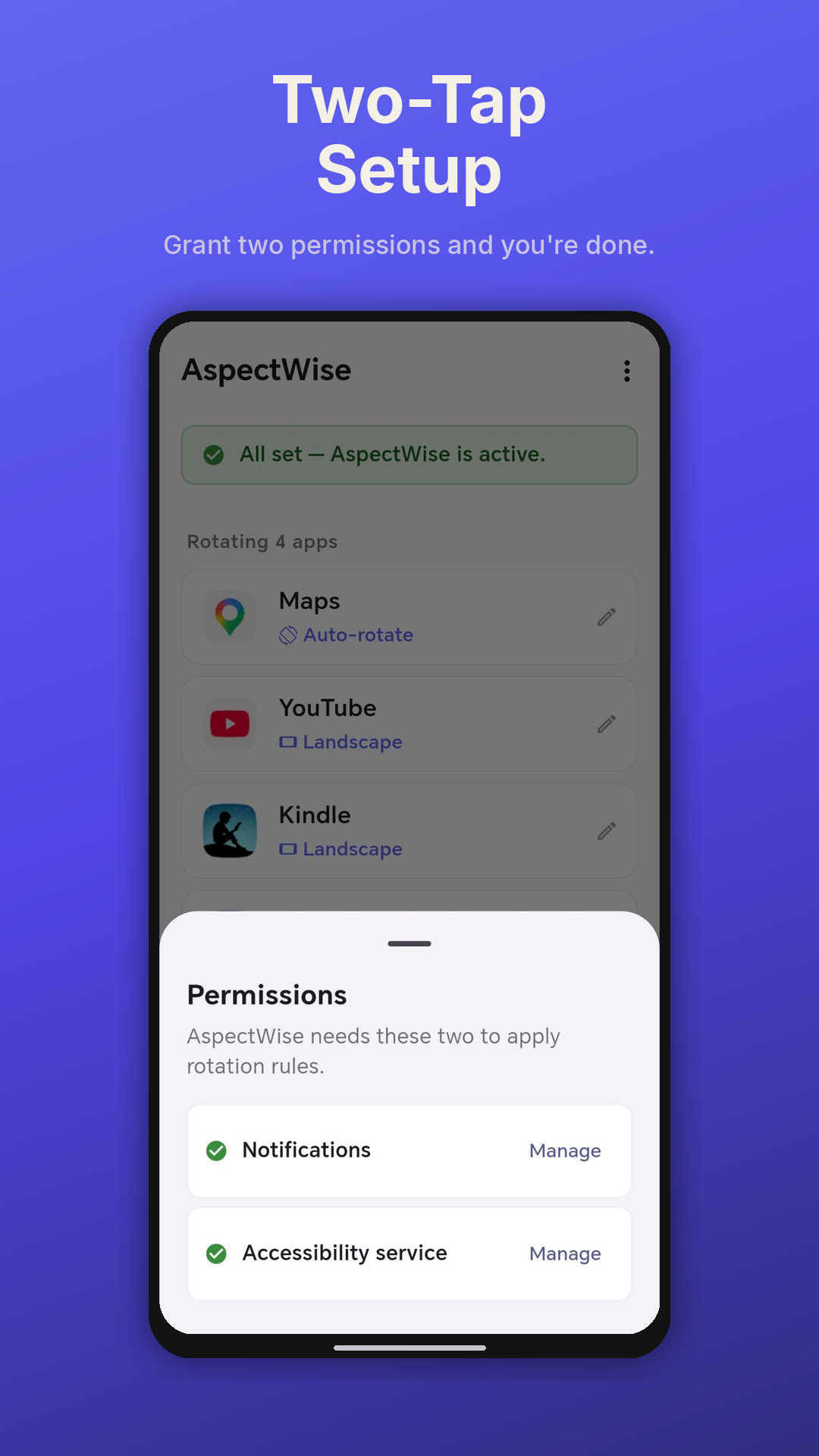
AspectWise uses Android’s Usage Access permission for one purpose only: to detect which app is currently in the foreground, so it can apply the orientation rule you set for that app. It applies your chosen orientation through an invisible zero-content overlay window (“Display over other apps”) — no system-wide setting is changed, and the overlay displays nothing and captures nothing. AspectWise uses no accessibility service, cannot read your screen content, and cannot see your input. Your data never leaves your device.
AspectWise was designed from the ground up to ensure your data never leaves your device. No sign-ups, no adverts, no analytics — just a screen tool that respects you and your phone.